QR code ordering for restaurants: how it works, what it costs, and why it's winning
Guests scan, browse, order and pay from their own phone, no app, no waiting. Here's exactly how QR code ordering works, what it costs, and what AI adds on top of a plain digital menu.
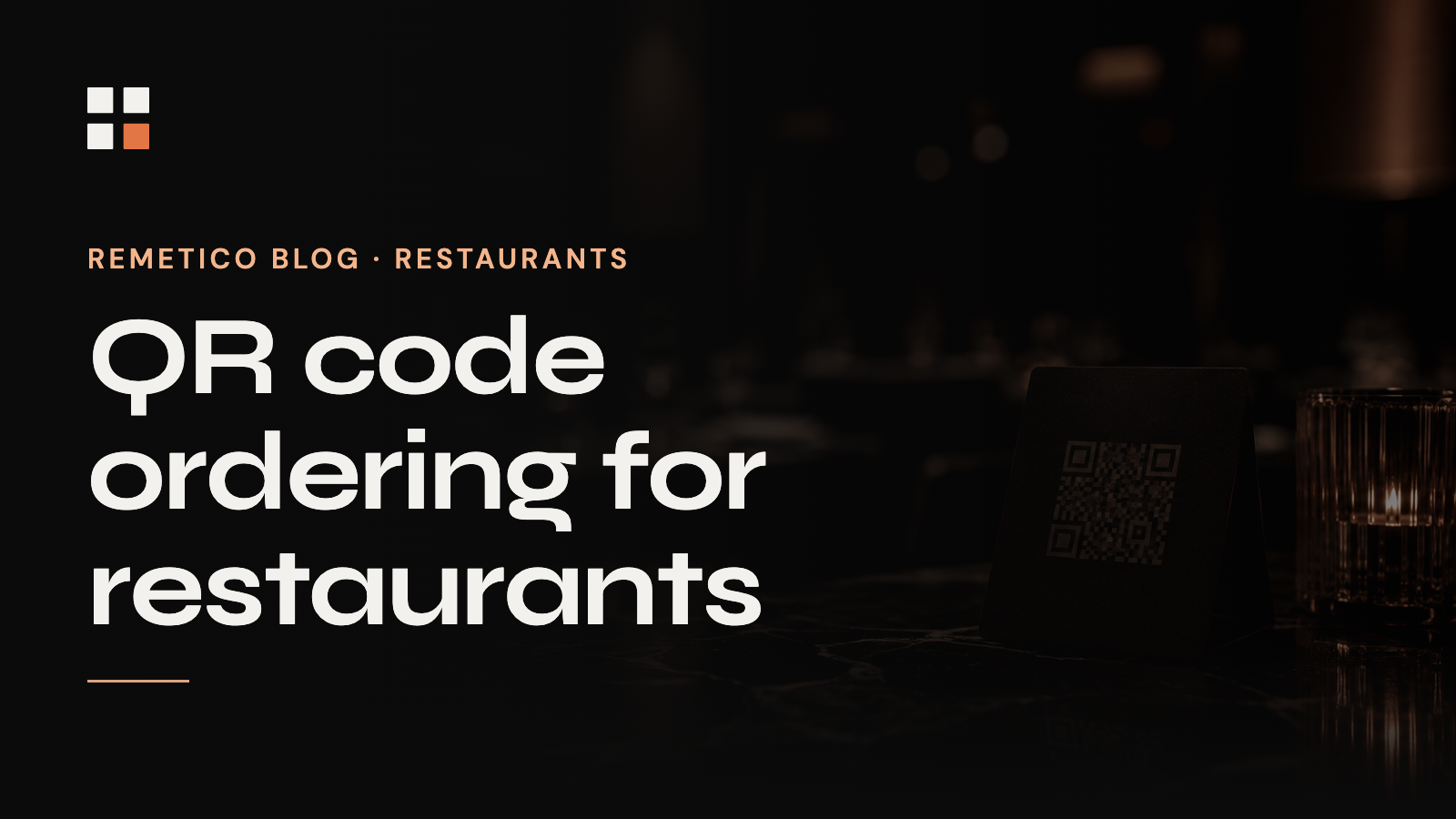
QR code ordering lets a guest scan a code on the table, open your menu in their phone's browser, and place (and often pay for) their order without flagging down a server. It exploded during the contactless era and stuck around for one reason: it removes the slowest, most error-prone step in table service.
How QR code ordering actually works
- A unique QR code sits on each table. The guest scans it, no app download, no account.
- The menu opens instantly in the browser, in the guest's language.
- The guest builds their order, customises it, and submits it.
- The order routes straight to the kitchen display and the cashier, no paper, no verbal relay.
- Payment happens in-flow or at the cashier, depending on how you configure it.
The benefits operators actually feel
Beyond the novelty, the measurable wins are consistent across venues:
- Lower labor cost, servers stop spending shifts walking orders back and forth.
- Faster table turnover, guests order the moment they're ready, not when a server is free.
- Fewer errors, the order goes in exactly as the guest entered it.
- Higher average ticket, gentle, consistent upsells on every order, with no pressure.
- Instant menu updates, change a price or 86 an item once, everywhere.
What does QR ordering cost?
Most systems price as monthly SaaS per location, sometimes with a small per-order or payment-processing fee. The honest way to evaluate cost is against labor: if scan-to-order removes even a fraction of order-taking hours, it typically pays for itself well before you've finished comparing vendors. Watch for per-order surcharges and lock-in contracts.
Plain QR menu vs. AI ordering
A basic QR menu is a digital list with a cart. AI ordering is the next step: instead of tapping through categories, the guest just says what they want, in plain, messy language, and the system understands it. "Something light, no onions, and a flat white" becomes a correct, modified order.
That matters because it removes the friction that kills digital menus: hunting through nested categories. It also handles 40+ languages natively, upsells intelligently, and scales to a full house ordering at once. This is exactly what ResturAI does: conversational AI ordering on top of the QR layer, with every ticket landing on a live operations dashboard.
Your staff shouldn't be taking orders. They should be doing everything else.
Is QR ordering right for your venue?
It's strongest for high-volume, high-turnover venues, cafés, casual dining, food halls, bars, where order-taking is a bottleneck. Fine dining can still use it for drinks and reorders while keeping a server-led experience. The deciding question is simple: how many labor hours go into a task that needs no human judgement? That's your savings.
Frequently asked questions
Do customers need to download an app to order by QR?
No. A good QR ordering system runs entirely in the phone's browser, the guest scans and orders with no install and no account.
What's the difference between a QR menu and AI ordering?
A QR menu is a digital list with a cart. AI ordering lets guests order in natural language, it understands modifiers and requests, upsells, and supports many languages.
How much does QR code ordering cost?
Typically monthly SaaS per location, occasionally with a per-order or payment fee. Evaluated against labor savings, it usually pays for itself quickly.
Online Ordering for Takeaways: Cut Friction & Third-Party Fees
Third-party platforms take up to 30% and own your customer. Direct, no-app, order-ahead cuts the friction and keeps the margin. Here's how zero-friction takeaway ordering works.
Read →
Restaurant POS Systems in 2026: What 'Intelligent' Really Means
A cash register records what happened. An intelligent POS tells you what's happening, revenue, labor hours, table turnover and item performance, live. Here's the difference, and why it matters.
Read →